
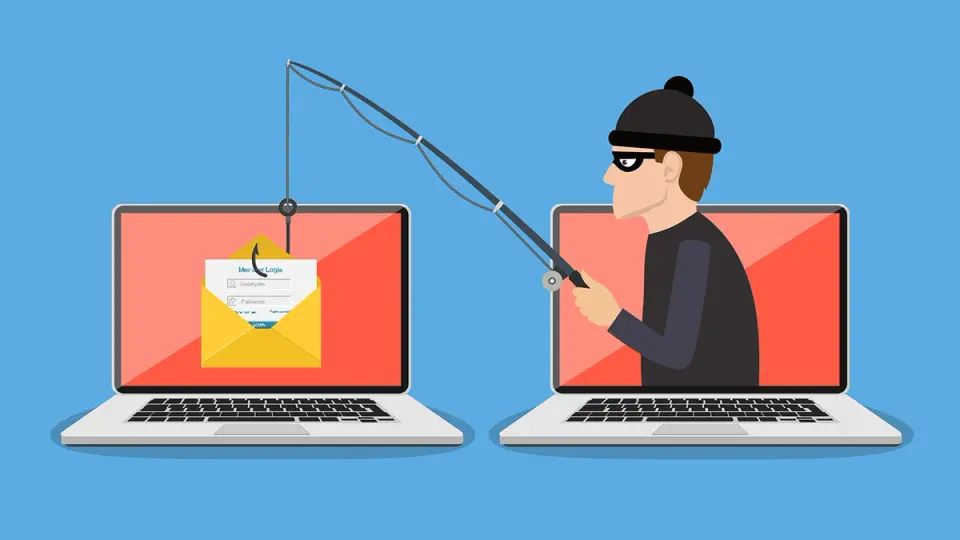
Phishing is a type of cyber fraud aimed at stealing your personal information. Scammers send fake emails, text messages, or social media messages that appear to come from legitimate companies or organizations. In these messages, you may be asked to click on a link or enter your personal information, such as a password or credit card number.
If you click on the link or provide your information, scammers can use it to steal your money, identity, or commit other fraudulent activities.
Earlier we wrote: Tips on How to Use ChatGPT, How to Upgrade to GPT-4 – Tools and Features of ChatGPT
How To Protect Yourself From Phishing
Phishing is a common method of cybercrime where scammers try to trick you into giving up personal information such as passwords, bank card numbers, or other confidential data.
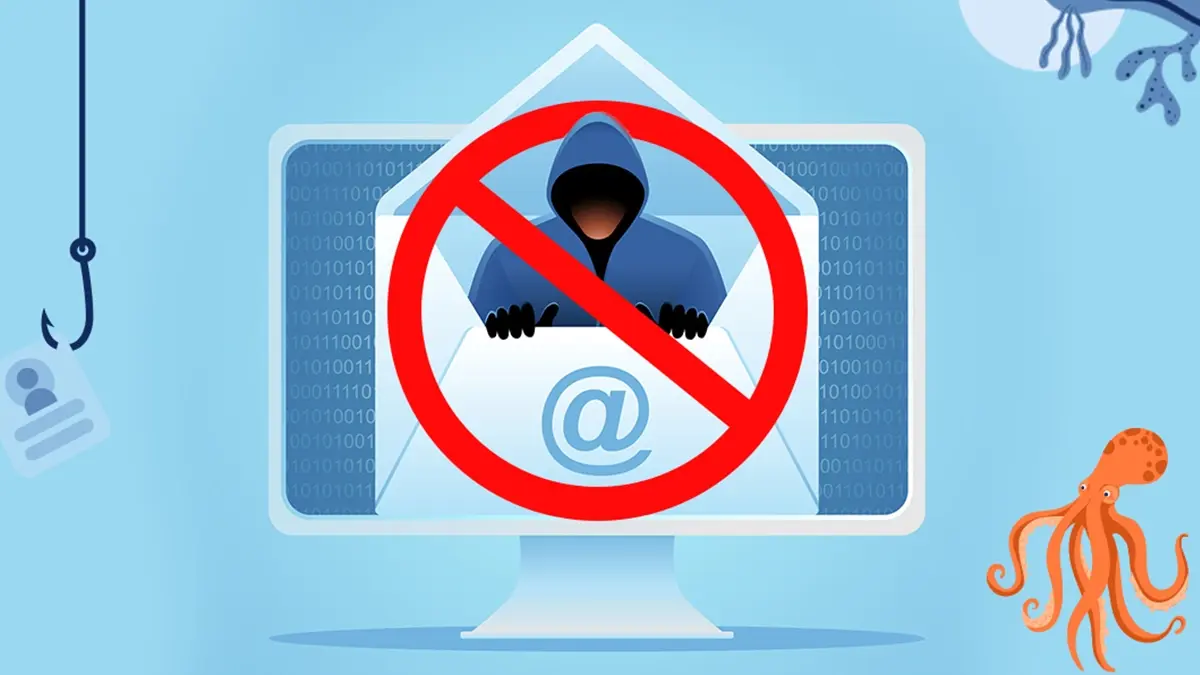
Here are some tips to help you protect yourself from phishing.
Be cautious with links and attachments
- Do not click on links in emails, text messages, or social media messages unless you are sure they come from a legitimate source. Even if the message seems to be from someone you know, it's always better to be safe.
- Don't open attachments from unknown senders. Attachments may contain malicious software that can infect your computer.
Check website addresses
- Before entering your personal information on a website, make sure you are on an official website.
- Check the website address to ensure it starts with "https://". This means that the site uses encryption to protect your data.
- Pay attention to the website address. Fraudulent websites often have addresses similar to legitimate sites but with slight spelling errors or additional characters.
Create strong passwords
- Use different passwords for different websites. Never use the same password for multiple accounts.
- Create strong passwords that are at least 12 characters long and include a combination of letters, numbers, and special characters.
- Don't use personal information, such as your name, birthdate, or phone number, in your passwords.
Install anti-phishing software
- There are many anti-phishing software programs that can help protect you from phishing attacks.
- Anti-phishing software can help you identify and block phishing websites and emails.
Stay vigilant
- The best way to protect yourself from phishing is to stay vigilant.
- If something seems too good to be true, it probably is.
- Don't believe everything you read online, and always verify information before sharing it or entering your personal information.
- By following these tips, you can significantly reduce the risk of falling victim to a phishing attack.
Common Types Of Phishing Attacks
Scammers may send you emails that look like they come from your bank, credit card company, or another online store. The email may contain a link they ask you to click on or a request to enter your personal information. Do not click on links or reveal personal information unless you are sure of the email's authenticity.
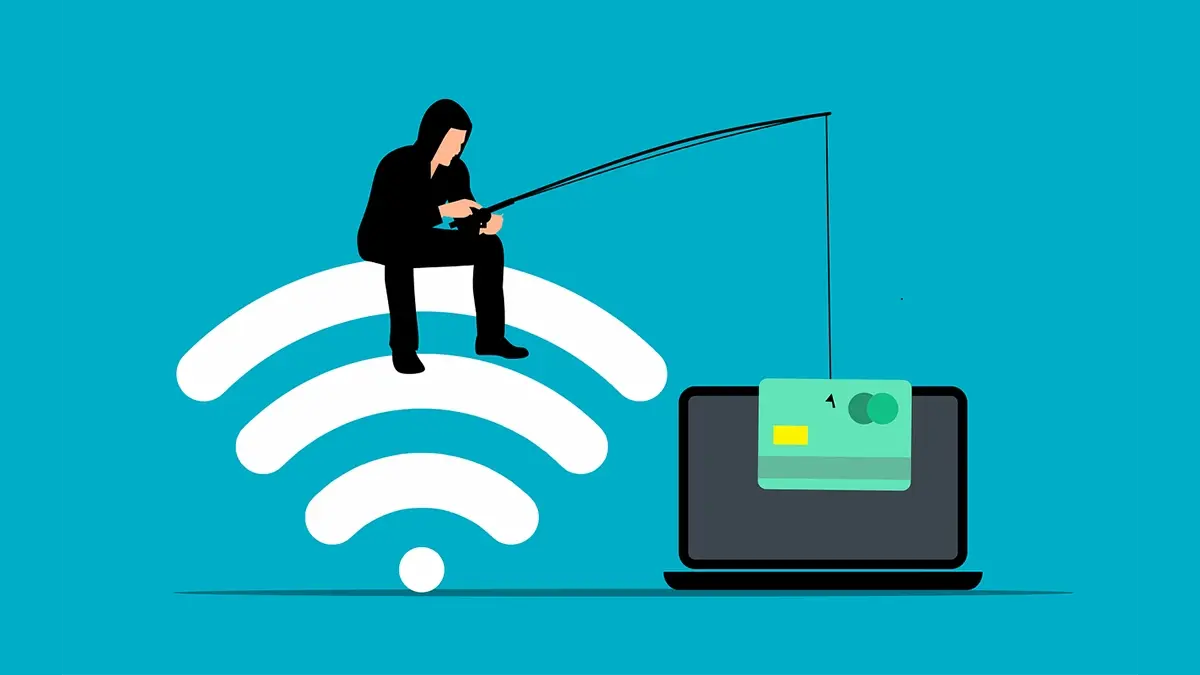
Text Messages
Scammers can also send text messages that look like they come from your mobile carrier or bank. The message may contain a link they ask you to click on or a request to enter your personal information. Follow the same precautions as with emails: don't click on links or reveal personal information unless you're sure of the message's authenticity.
Social Media
Scammers may create fake profiles on social media or post fake messages that look like they come from legitimate companies or organizations. The message may contain a link they ask you to click on or a request to enter your personal information. Be cautious about what you click on and what information you share on social media. Make sure you know who you're communicating with, and don't share personal information with strangers.
Conclusion
Remember that scammers can use various social engineering methods, except phishing, to trick you into revealing personal information. Always be alert, protect your personal data, and report suspicious activity to cyber police.