
What is ChatGPT and How to Use It
ChatGPT is an AI-based chatbot capable of holding conversations similar to human interactions and performing various tasks. Does this mean that you can communicate with it as you would with a person, ask questions, and receive answers? Yes, and you can also assign it tasks such as writing a story or essay, solving problems, organizing data into a table, and many other things.
How can you use this amazing tool? It's very simple – just enter "ChatGPT" into your search engine and find the link to the project's page on the OpenAI website at the top of the search results. In the center of the page, you will see two buttons – “Start Now” or “Download App.” The first allows you to use the chat in the web version, while the second offers to download the app for PC or smartphone.
To start using ChatGPT, registration is not required. You can immediately ask questions and plan tasks. However, if you want your chat history to be saved and accessible later, you will need to go through a simple registration process. You can use your Google account to create an OpenAI account.
Is ChatGPT Paid or Free?
Access to the basic version of ChatGPT is free for all users. It is fully sufficient for solving simple daily tasks. It excels at text generation and performs nearly everything an average user might expect from AI. The free version operates based on GPT-4o mini and provides limited access to GPT-4o.

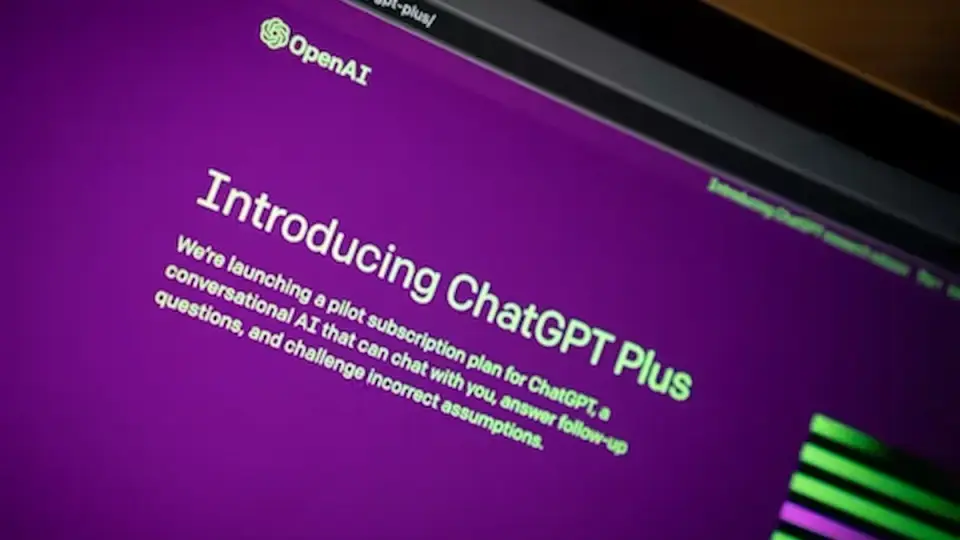
For those who need more functionality, there is ChatGPT Plus. It is a paid version but provides access to GPT-4, GPT-4o, GPT-4o mini, and early access to new features. Additionally, it can create images using DALL-E and allows for the creation of custom GPTs, which is not available in the basic free version. Not sure how to upgrade to GPT-4? Simply subscribe to the paid version; the list of capabilities is much broader there.
What Can ChatGPT Be Used For?
ChatGPT is not only for interesting and informative conversations with AI. It can perform a multitude of tasks such as writing essays or school papers, coding, or solving complex mathematical problems. It can also focus on practical tasks like creating menus for events and selecting recipes, helping with task planning. Essentially, the ways to use AI are limited only by our imagination.
Can ChatGPT Make Mistakes?
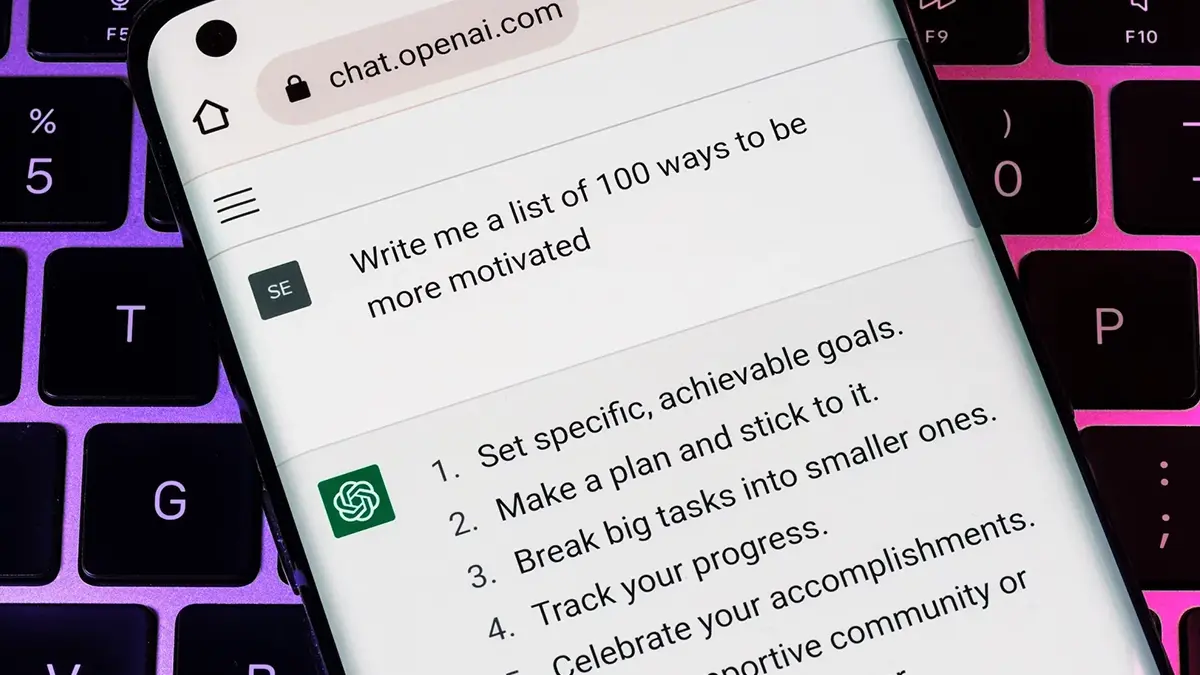
The simplest answer to this question is "yes, it can." But that's not the most accurate one. Humans make mistakes, and AI might generate responses that do not meet user expectations. These responses could be inaccurate. Why this happens is a subject of investigation for creative AIs. For regular users, it means that sometimes ChatGPT's responses may seem very logical and plausible but lack substance. Occasionally, the responses might describe events that did not happen, non-existent people, or use made-up words. Therefore, all responses need to be verified.
To improve the chatbot’s performance, you can send feedback on its responses by using the “thumbs up” and “thumbs down” buttons beneath the answer. Providing well-formulated questions and prompts also helps enhance its performance.
Can ChatGPT Refuse to Perform Tasks?
Yes, AI systems like ChatGPT are designed to reject inappropriate requests. If your question or task infringes on someone's rights, is offensive, discriminatory, or involves illegal activities, the AI may refuse to engage with you regarding that matter.
An interesting fact is that if you ask a question involving criminal activity, the AI will remind you of criminal liability. This is a very good decision by the developers, as AI models can generate detailed, realistic content that malicious users might exploit for harm.
Are ChatGPT’s Responses Plagiarism?
Answering this question definitively is difficult. AI learns from internet data and generates responses based on the information it has received. Therefore, all its responses are a compilation of online information. There is no guarantee that its essays won’t be part of someone else's work, which would be considered plagiarism.
Additionally, it is important to remember that ChatGPT cannot use irony or sarcasm, it poorly understands metaphors, and cannot create in the literal sense of the word. Thus, it is suitable for fairly simple and typical tasks. Where creativity is needed, AI can serve as a source of inspiration. It can suggest ideas and provide interesting information, while we turn that into a masterpiece.
How to Use ChatGPT – A Beginner's Guide
Have questions about using ChatGPT? Check out the video tutorial created specifically for beginners and those who want to deepen their knowledge:
Conclusions
ChatGPT is a fantastic multifunctional tool for performing a variety of tasks. It is simple, accessible, and free in its basic version. To access expanded functionality, a low-cost subscription to ChatGPT Plus is necessary.